
One app. Every role. Complete school management.
Manage the school from a phone. USMConnect gives administrators, teachers, parents and students their own home screen for attendance, academics, fees, messages and the school bus.
It is the mobile app for Ultimate School Manager. A person signs in once and sees the menus their role is allowed to use.
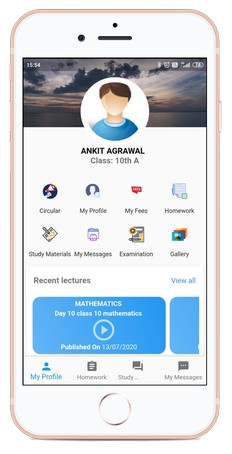
Everything your school needs, on the go
Stay connected
Circulars, news, events, gallery photos and direct messages reach parents, students and staff. Push alerts cover fees, absence, holidays, exams and results.
Run the school day
Mark attendance, approve leave, issue homework, enter marks and check in to class. Administrators can follow live buses and staff attendance from the same app.
Academics anywhere
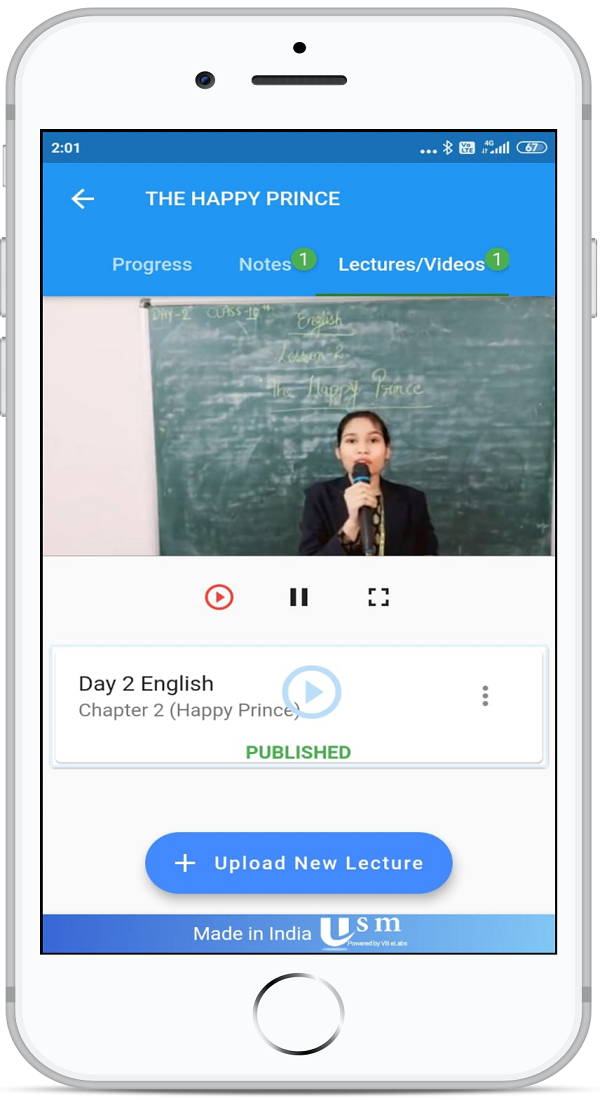
Open the timetable, lesson plan, study material, online class, online test, exam timetable and report card without coming back to the office.
A screen for each person
Role-based menus keep school data with the people who should see it. Schools can also turn on Google Sign-In for a school Google account.
USMConnect is the phone side of Ultimate School Manager. See all school ERP modules
One app. Four experiences.
The same install opens a different set of menus for each person in the school. These are the modules shipped in the USMConnect app.
For administrators
Watch attendance, leave, messages, events and buses without sitting at a desk.
For teachers
Take the class from the phone: attendance, subjects, marks and the plan for the day.
For parents
See how the day went, what is due, and where the bus is, from the student login the school issues.
For students
Homework, classes and results stay in one place, with the same student menus parents use.
Powerful features for everyone
Academic, office and communication tools from the USMConnect app, in one install.
Attendance
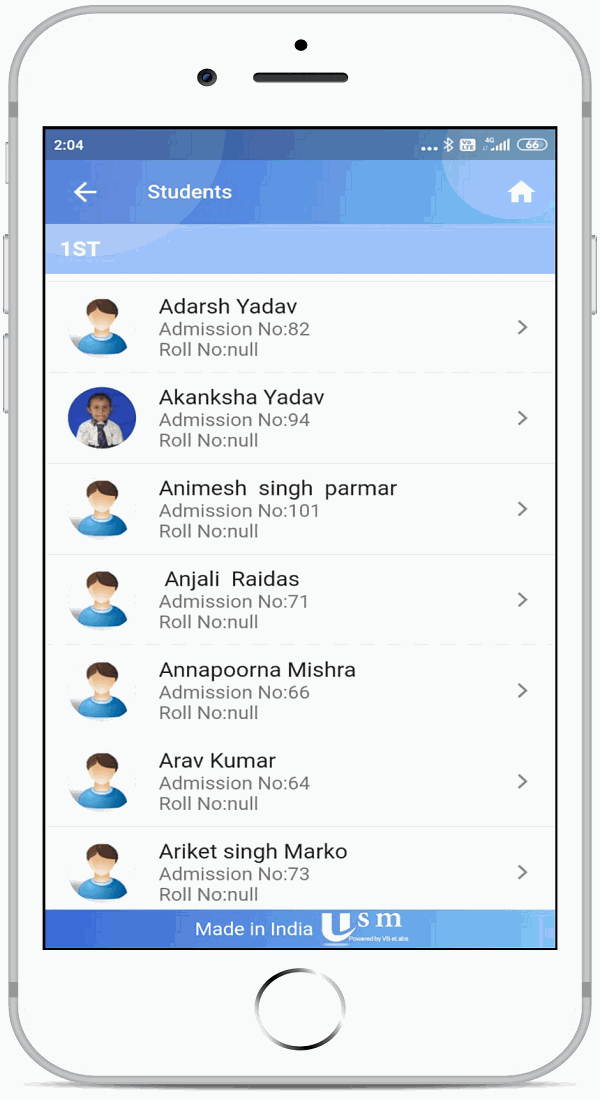
Teachers mark class or subject attendance and open a class report. Parents and students see the record. Staff scan a QR code and check in to class.
Homework
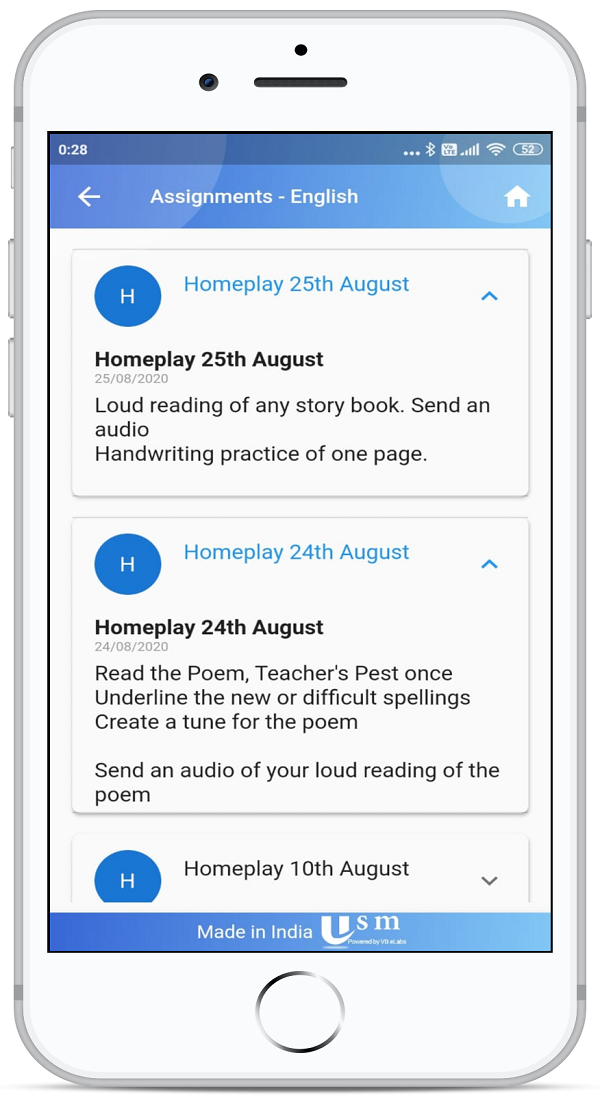
Create an assignment for a class or a group, attach a file, watch the deadline, collect submissions and send remarks back.
Timetable
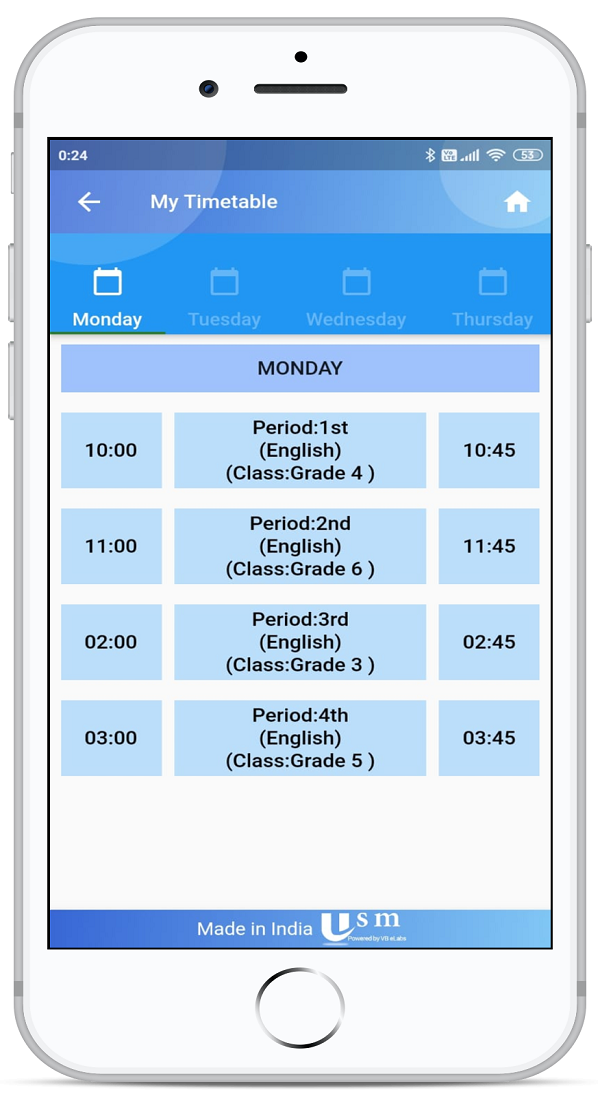
Students open the class week. Teachers open their own day. Examination dates sit on the exam timetable, next to the holiday list.
Fees
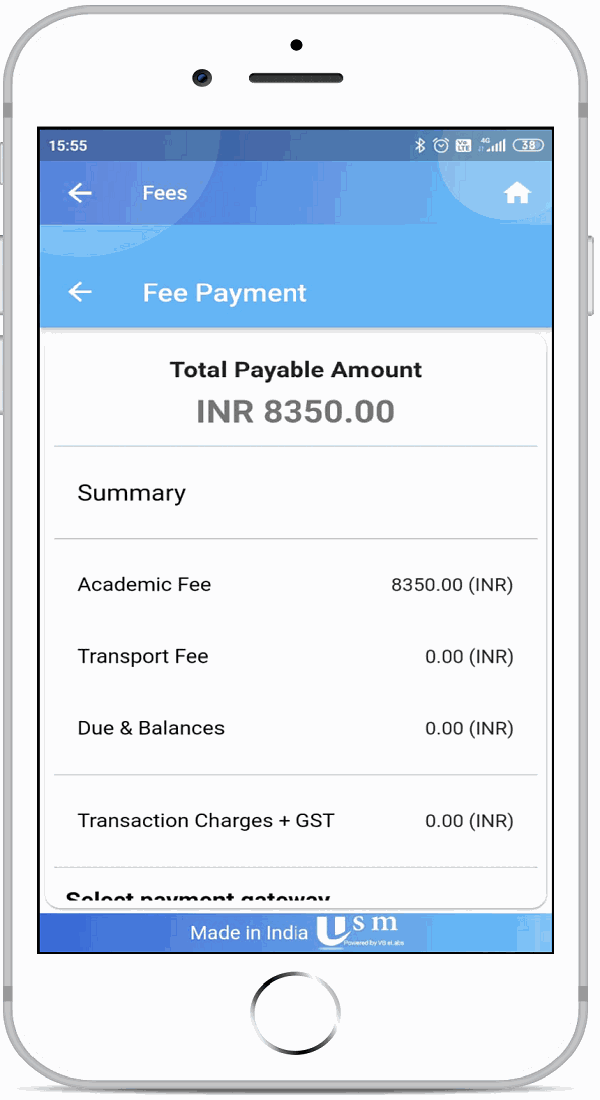
Parents see what is due, pay online when the school gateway is on, look up payment history, and get the receipt by email.
Messages
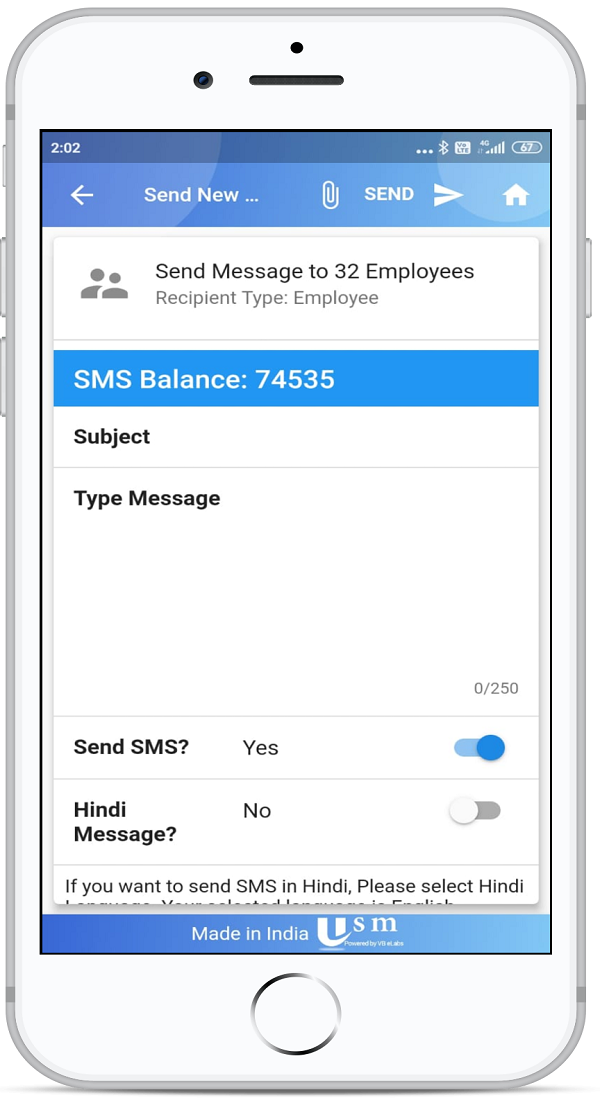
Schools send a message to a group. Parents and students keep a message history, plus circulars, news and event notices.
Exams and results
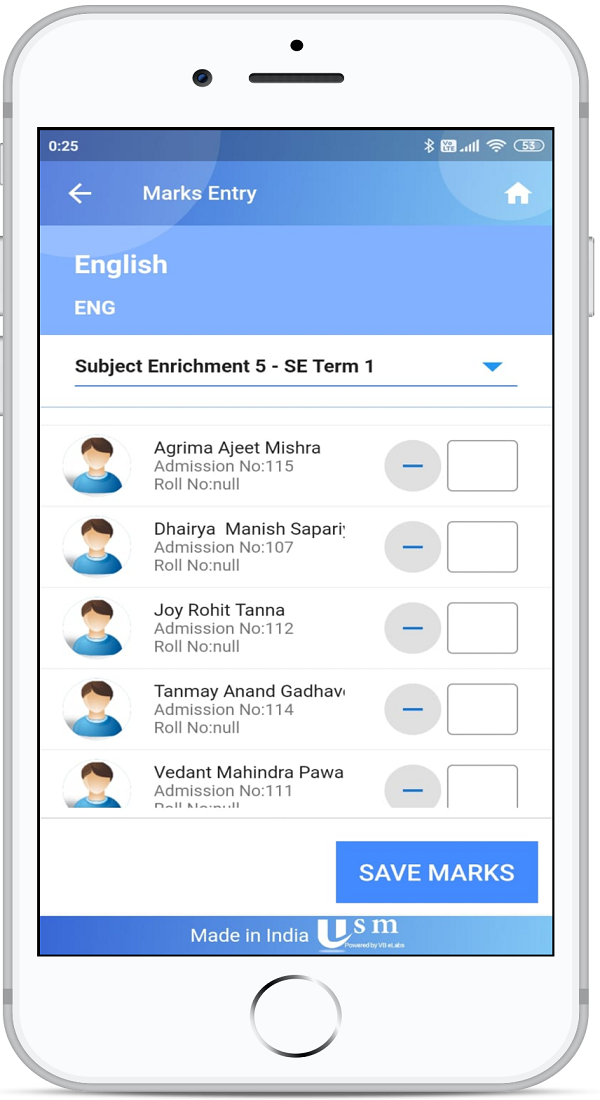
Teachers enter marks and co-scholastic grades. Students and parents open the exam timetable, online tests and the report card.
Classes and study material
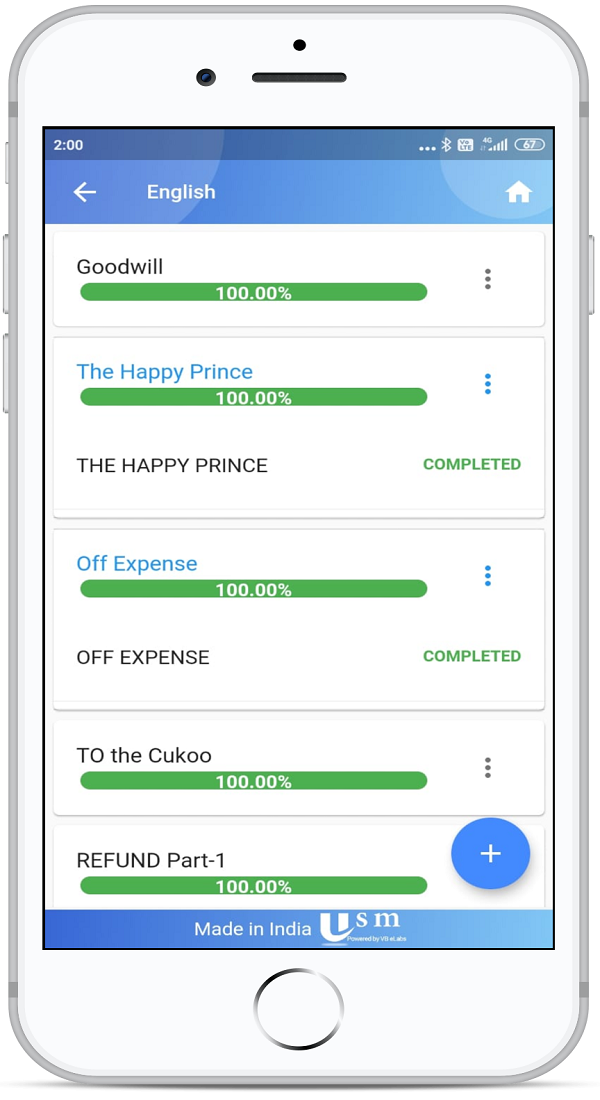
Teachers plan lessons and share notes. Students join the online class and download the study material for the subject.
Transport
The student screen shows the route. With live tracking on, parents and administrators follow the bus while the driver runs the trip.
Also in the app
Inside the app
Frequently asked questions
Administrators, teachers, parents and students use the same app. After sign-in, each person sees the menus for their role.
USMConnect is the Android app for schools that use Ultimate School Manager.
Parents can view fee details, pay online when the school has enabled its payment gateway, and receive the fee receipt by email.
Each school issues a login. Schools can also turn on Google Sign-In so staff and parents sign in with a school Google account.
Yes. Teachers mark class and subject attendance and open class reports. Staff can scan a QR code for their own attendance and check in to a class.
Transport shows the student's route. Schools that use live tracking can follow the bus, and the driver starts the trip from the app.